
BIS CRS Registration for Printers, Scanners & Multifunction Devices in India: IS 13252 / IS 62368-1 and the Complete Compliance Process
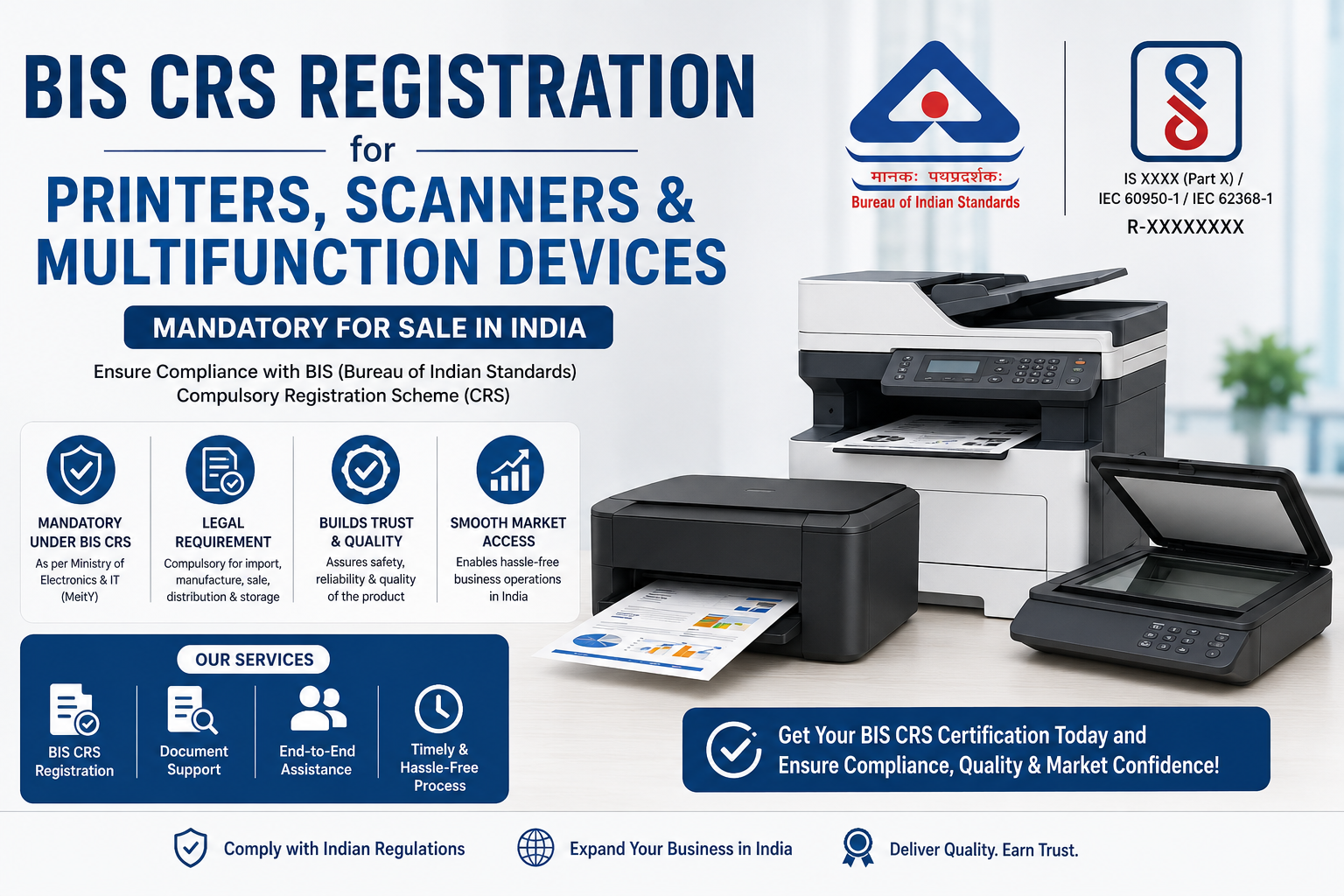
Printers, scanners, and multifunction devices are core equipment in every office and a growing presence in Indian homes. They are mains-connected electronic products, some with significant internal heating elements (in the case of laser printers’ fusers), used across long duty cycles in shared environments. Because they combine mains power, heat, and moving parts, their electrical, thermal, and mechanical safety matters, and they fall under the BIS Compulsory Registration Scheme (CRS). A covered device must be registered before it can be imported or sold in India, making BIS CRS registration the mandatory gateway to the imaging-equipment market.
These devices are also increasingly networked and wireless, adding wireless approval to the compliance picture, and they carry environmental obligations as electronic products. This guide focuses on the CRS registration — the applicable standard, the process, documents, and timeline — and places it in the context of the wider compliance picture for printers and scanners.
Why Printers and Scanners Fall Under CRS
The Compulsory Registration Scheme operates under the Electronics and Information Technology Goods (Requirement of Compulsory Registration) Order, administered by BIS under the BIS Act, 2016. Printers, plotters, scanners, and related imaging devices are notified under CRS, meaning a covered device must be tested against the applicable Indian Standard, registered with BIS, and marked with its registration number before it can be manufactured, imported, sold, distributed, or stored for sale in India.
The safety rationale is direct. A printer — especially a laser printer — contains a mains-connected power supply, a heated fuser assembly that reaches high temperatures, and moving mechanical parts, all in a device used repeatedly in shared spaces. Substandard power electronics, poor thermal design, or inadequate mechanical guarding can create shock, burn, or fire hazards. CRS ensures every device meets a common safety baseline verified by India-specific testing. Selling an unregistered notified device is an offence under the BIS Act, and registration is also a commercial gate: enterprise buyers, tenders, retailers, and marketplaces verify it, and customs checks it at import.
The Applicable Standard
Printers and scanners are registered under the Indian Standard for the safety of information technology / electronic equipment — historically IS 13252 (Part 1) (adopted from IEC 60950-1), with the sector transitioning toward the unified hazard-based standard IS 62368-1. This addresses electric shock, energy, fire, mechanical, and thermal hazards in the device.
Manufacturers should confirm the exact applicable standard and its current edition for the device against the latest BIS notification before testing, since registering against a superseded standard can invalidate the application. Where a device ships with an external power adaptor, that adaptor is itself a separately notified product with its own registration requirement. Whichever standard applies, the device must be tested at a BIS-recognised laboratory and shown to conform before it can be registered.
What the CRS Safety Test Examines
Understanding what the laboratory checks clarifies why registration matters. The safety standard evaluates the device against a defined set of hazards. Electric-shock protection is verified for the mains-connected power path. Thermal behaviour is assessed with particular attention to heated components — a laser printer’s fuser reaches temperatures that must be safely contained so a user cannot be burned and nearby materials cannot ignite. Fire-containment and fault-condition provisions confirm that a failure is contained. Mechanical requirements examine moving parts, paper paths, and access covers, since a device with rollers and gears must not injure a user reaching in to clear a jam. Because a printer combines mains power, high heat, and moving mechanisms, several distinct hazard areas are genuinely relevant, which is why India requires local testing rather than accepting overseas certificates alone.
The Duty-Cycle and Consumables Dimension
Imaging devices have a distinctive use profile that shapes both design and compliance. Unlike a phone that is used in short bursts, an office printer or multifunction device may run heavy print jobs continuously, then sit idle for long periods, cycling through active, ready, sleep, and off states many times a day. This makes thermal endurance under sustained load a real design consideration, and it means the device must be safe not just for a single page but across the thousands of pages of a genuine duty cycle. Consumables add another layer: toner, ink, and drums are replaced by users who open covers and reach into the machine, so the safety assessment accounts for what a user is exposed to during routine maintenance. For a manufacturer, the practical implication is that a printer’s safety case is about the whole operating life and the whole range of user interactions, not a single idealised test — and the CRS registration is the formal demonstration that the device manages heat, power, and mechanical risk safely across all of them. Designing for safe consumable replacement and robust thermal management is therefore both a usability and a compliance priority.
Step-by-Step: BIS CRS Registration for a Printer or Scanner
CRS is a test-and-register scheme with no factory inspection. Our team manages each stage end to end, but every applicant should understand the sequence.
- Confirm the standard and edition. Verify the current applicable safety standard for the device and its edition.
- Test at a BIS-recognised laboratory. Submit device samples for testing against the applicable standard.
- Prepare documentation. Compile technical details, power/interface details and critical components, company and brand documents, and — for foreign makers — the Authorised Indian Representative (AIR) nomination.
- File the online application. Submit on the BIS portal with the test report and documents.
- BIS scrutiny and grant. BIS reviews and grants the registration with a unique R-number.
- Mark and self-declare. Apply the standard mark and R-number on the device and packaging, and issue the self-declaration.
- Maintain and renew. Keep conformity under BIS surveillance and renew periodically; act on the registration if critical components change.
Documents Required
A complete file at the outset is the biggest single lever on approval speed. You will typically need:
- Test report from a BIS-recognised laboratory against the applicable standard
- Product technical specifications and datasheets
- Power input details and critical-component data (fuser, power supply)
- Bill of materials
- Company registration and business documents
- Trademark / brand authorisation documents
- Details of the manufacturing unit
- For foreign manufacturers: Authorised Indian Representative (AIR) nomination and undertakings
- Marking / label artwork showing the standard reference and R-number
- Authorised signatory details and application declarations
Foreign manufacturers hold the CRS registration in their own name and must appoint an AIR resident in India; the importer relies on that registration.
Timeline and Cost Planning
A realistic CRS schedule for a printer or scanner is commonly a few weeks to a couple of months end to end, with laboratory testing the pacing item. Once a complete application with a valid test report is filed, BIS scrutiny and grant are relatively quick.
Costs are dominated by laboratory testing fees, followed by BIS application and registration fees and, for foreign makers, the AIR arrangement. Because product families share imaging engines and platforms across models, BIS series/family guidelines can allow related devices to be grouped, reducing per-model testing. Any external adaptor’s own CRS registration, the wireless approval for Wi-Fi models, and the EPR registration should be handled in parallel.
Common Mistakes That Delay a Printer or Scanner Registration
- Underestimating thermal/mechanical scope. Laser printers’ heated and moving parts add hazard areas that must be covered; incomplete coverage stalls the process.
- Testing to the wrong standard edition. With the transition toward IS 62368-1, confirm the current standard before testing.
- Importer-as-registrant confusion. The manufacturer holds the CRS registration; foreign makers must appoint an AIR.
- Forgetting the adaptor. Where an external adaptor is supplied, it needs its own CRS registration.
- Treating CRS as the only approval. Wireless printers need WPC, and all these devices need EPR.
- Model/brand mismatches. The brand and model on the device, label, test report, and application must match exactly.
Printers and Scanners Need More Than CRS
Because these are often networked, wireless devices, the compliance file can extend beyond CRS:
- WPC ETA — printers with Wi-Fi or Bluetooth need WPC ETA approval for their radios.
- EPR for e-waste — producers and importers must hold EPR registration for e-waste with CPCB.
- Adaptor registration — an external power adaptor needs its own CRS registration; see our BIS CRS registration service.
- Legal Metrology (LMPC) — the retail pack is a pre-packaged commodity requiring LMPC registration.
A coordinated plan runs CRS and (for wireless models) WPC in parallel, handles the adaptor and EPR, and layers LMPC so the device reaches market fully compliant.
Pre-Launch Compliance Checklist for Printers & Scanners
Before committing to a shipment, run this verification sequence. First, confirm the current applicable safety standard for the device and obtain a passing test report covering its thermal and mechanical aspects. Second, ensure the manufacturer is set up as the CRS registration holder, with a resident AIR for foreign makers. Third, confirm any external adaptor’s own CRS registration. Fourth, verify the parallel approvals — WPC for wireless models, EPR for e-waste, LMPC for the package — are progressing on an overlapping timeline. Fifth, align the brand and model across the device, box, label artwork, test report, and application, using series grouping to cover the range efficiently.
For ongoing operations, maintain a compliance register per model: R-number and validity, the standard and edition, critical-component details, any adaptor registration, and the linked WPC/EPR records — so component changes and renewals are handled proactively.
Frequently Asked Questions
Is BIS CRS registration mandatory for printers and scanners?
Yes. Printers, plotters, scanners, and related imaging devices are notified under CRS and must be tested against the applicable Indian Standard, registered with BIS, and marked with the R-number before being imported or sold in India.
Which standard applies?
The IT/electronic-equipment safety standard — historically IS 13252 (Part 1), transitioning toward IS 62368-1. Confirm the current applicable standard and edition before testing.
Do laser printers face extra safety scrutiny?
Their heated fuser and moving parts add thermal and mechanical hazard areas that the safety assessment must cover, so the scope is broader than for a simple electronic device.
Do wireless printers need WPC?
Yes. Printers with Wi-Fi or Bluetooth require WPC ETA approval for their radios, in addition to CRS.
Who holds the registration?
The manufacturer, Indian or foreign. Foreign manufacturers register in their own name and must appoint an Authorised Indian Representative resident in India.
How long does registration take?
Commonly a few weeks to a couple of months, with laboratory testing the pacing item. Because imaging devices carry broader thermal and mechanical test scope, allowing adequate lab time and preparing complete component documentation up front is the best way to keep the timeline on track.
Why Choose PCN India Global
- Imaging-category expertise — we plan CRS around the device’s thermal, mechanical, wireless, and adaptor aspects
- Lab coordination — testing at BIS-recognised laboratories, right the first time
- AIR for foreign makers — we act as your Authorised Indian Representative and hold the India compliance interface
- Series optimisation — we group models on shared imaging platforms to minimise testing
- One integrated timeline — CRS sequenced with WPC, EPR, adaptor registration, and LMPC so your launch date holds
- Surveillance and renewal tracking — so your R-numbers stay valid and component changes are managed
PCN India Global manages the complete BIS CRS registration process for printers, plotters, and scanners — from standard identification and lab testing to R-number grant and renewal, coordinated with the WPC, adaptor, and EPR approvals these products need. Contact us: WhatsApp +91 80109 05029, email bdm@pcnindiaglobal.com, or start your application today.